
Oven Control Board Diagnosis Tool
Check for Control Board Issues
Select the symptoms you're experiencing. This tool will help determine if your oven's problems likely stem from a faulty control board.
If your oven won’t heat up, the display is blank, or it’s behaving strangely-like turning on by itself or showing error codes-it’s not always a broken heating element. More often than not, the problem lies with the oven control board. This little circuit board is the brain of your oven. It tells the heating elements when to turn on, manages the clock and display, and handles safety features. When it fails, your oven doesn’t work properly-even if every other part is fine.
What Does the Oven Control Board Do?
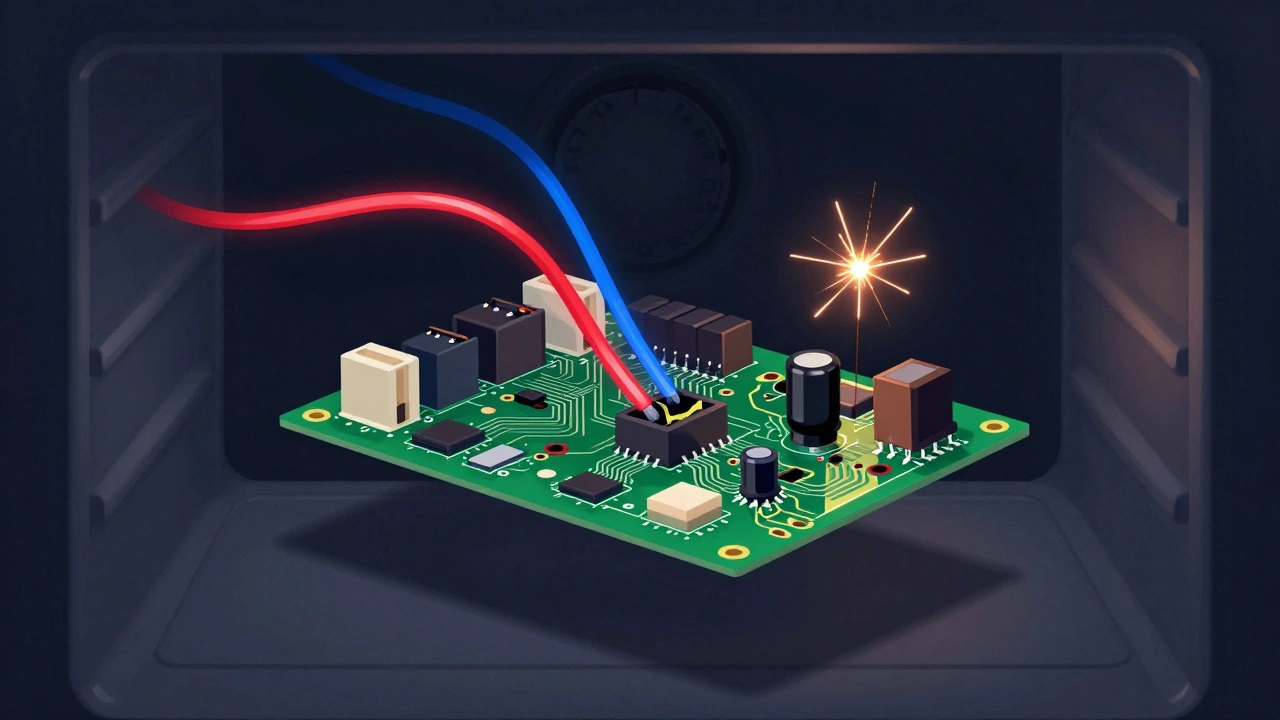
The control board is a small electronic module, usually located behind the control panel or inside the oven cavity. It receives input from the temperature sensor, the keypad, and the timer, then sends power to the bake and broil elements. It also runs the digital display and keeps track of cooking time. Think of it like the computer inside your car. If the engine won’t start but the battery and fuel system are fine, you’d check the engine control unit. Same idea here.
Most modern electric ovens built after 2010 use these boards. Older models with dials and mechanical timers rarely have them. If your oven has a digital display, touchscreen, or any kind of clock with buttons, it almost certainly has a control board.
Common Signs Your Oven Control Board Is Bad
You don’t need a multimeter to spot trouble. Here are the most common signs that point to a failing control board:
- The oven won’t turn on at all-even after resetting the circuit breaker.
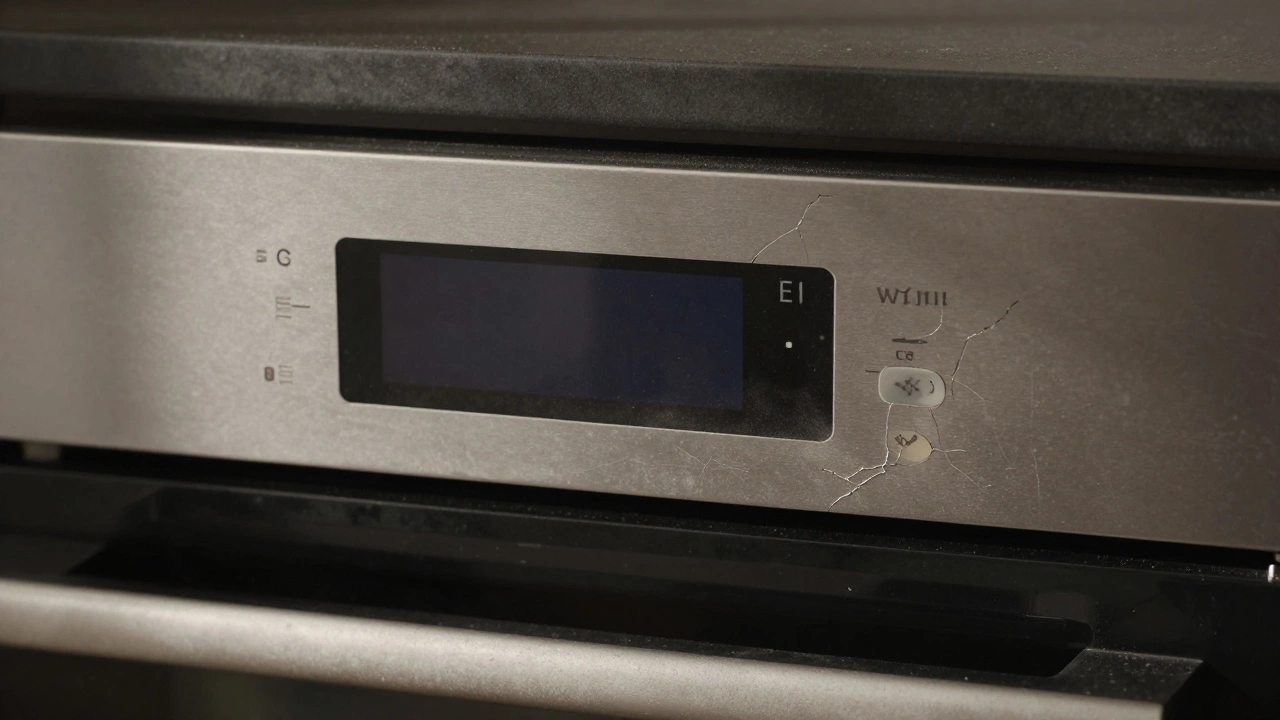
- The display is blank or shows only partial numbers (like “888” or “---”).
- Error codes appear that don’t match any known issue in the manual (like E1, F2, or E6).
- The oven heats unevenly or randomly turns on/off during cooking.
- The keypad doesn’t respond, or buttons work inconsistently (e.g., the bake button lights up but doesn’t start heating).
- The oven turns on by itself, even when not in use.
- The oven heats but doesn’t reach the right temperature (and you’ve confirmed the thermostat sensor is working).
These symptoms often look like problems with the heating element, thermostat, or power supply. But if those parts have been tested and are fine, the control board is the next likely culprit.
How to Test the Control Board (Without Special Tools)
You don’t need to be an electrician to check if the control board is faulty. Here’s how to do it safely:
- Unplug the oven or turn off the circuit breaker. Safety first. Never work on live wiring.
- Check the power supply. Plug a lamp into the same outlet to make sure the socket is live. If it’s a hardwired oven, check the house circuit breaker. A tripped breaker or blown fuse can mimic a bad control board.
- Inspect the display. If the display is completely dark, but the oven’s lights or fan still work, the board likely lost its power connection or has a dead internal fuse. If the display flickers or shows strange symbols, that’s another red flag.
- Test the keypad. Press every button slowly. If some buttons respond and others don’t, it could be a keypad failure-but often, a failing control board causes this too. If no buttons do anything, the board isn’t receiving input.
- Listen for clicks. When you turn the oven on, you should hear a faint click from the relay inside the control board. If you hear nothing, the board isn’t sending power to the elements.
- Check for burnt marks or smell. Remove the control panel (if you’re comfortable) and look for dark spots, melted plastic, or a burnt electrical smell. These are clear signs of overheating or component failure.
If all these checks point to the control board, it’s probably bad. No need to test with a multimeter unless you’re experienced. The symptoms alone are usually enough.
What Else Could It Be?
Before replacing the board, rule out other common issues:
- Thermal fuse: A blown thermal fuse (usually located near the oven’s vent) cuts power to the board. It’s a cheap part ($10-$20) and easy to replace. Test it with a multimeter if you have one.
- Temperature sensor: A faulty sensor can cause erratic heating, but it won’t make the display go blank. If the oven heats but doesn’t hold temperature, check this first.
- Wiring harness: Loose or damaged wires between the control board and other parts can cause intermittent issues. Look for frayed wires or disconnected plugs.
- Power relay: Some boards have a separate relay that clicks when activated. If the relay is stuck, the board might look dead even if it’s still working.
If you’ve ruled out these, and the oven still won’t behave, the control board is the issue.
How Much Does a Replacement Cost?
Control boards vary by brand and model. For popular brands like Whirlpool, GE, or Samsung, prices range from $80 to $250. Higher-end models with touchscreens or Wi-Fi can cost over $300. Labor usually adds $100-$150 if you hire someone.
But here’s the thing: if your oven is older than 8 years, replacing the board might not be worth it. The board itself is just one of many parts that wear out over time. If you’ve already replaced heating elements or thermostats before, it’s likely more problems are coming.
When to Replace Instead of Repair
Consider replacing the whole oven if:
- The control board costs more than half the price of a new oven.
- Your oven is over 10 years old.
- You’re having multiple issues (e.g., bad door seal, rusted racks, inconsistent heating).
- You’re upgrading to a more energy-efficient model.
Modern ovens use 15-20% less energy than models from 2010. If you’re paying high electricity bills, a new oven could pay for itself in a few years.
How to Replace the Control Board
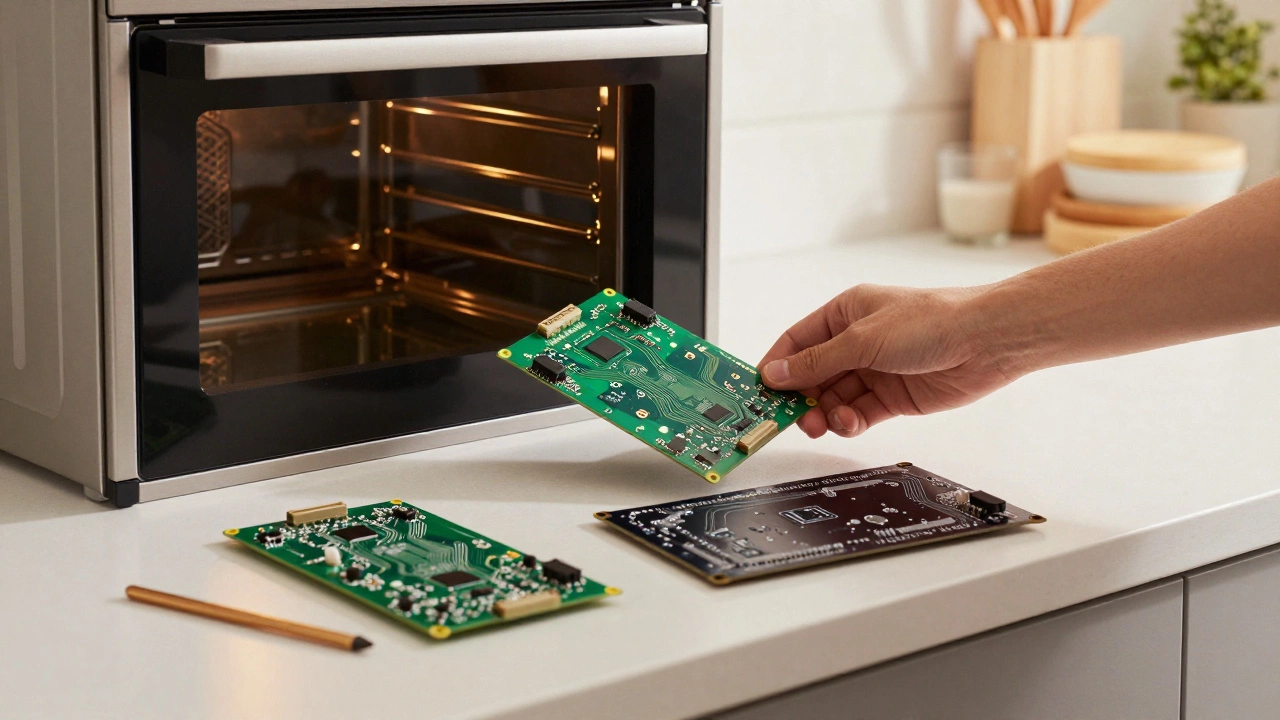
If you’re handy and want to save money, replacing the board is doable. Here’s how:
- Find your oven’s model number (usually on a sticker inside the door or on the side frame).
- Search for the exact control board part number online. Use the model number to avoid buying the wrong one.
- Unplug the oven and remove the control panel. This usually involves unscrewing a few screws and unplugging connectors.
- Take a photo of the wiring before disconnecting anything. That way, you can match it exactly when reinstalling.
- Unplug the old board and install the new one. Make sure all connectors click into place.
- Reassemble the panel, plug the oven back in, and test it.
Most replacements take under an hour. YouTube has detailed videos for almost every oven model. Just search for “[Your Brand] control board replacement.”
Preventing Future Failures
Control boards don’t usually fail without reason. Here’s how to extend their life:
- Avoid steam buildup. Always use the exhaust fan when cooking wet foods like soups or boiling pasta. Moisture seeps into electronics and causes corrosion.
- Don’t overload the oven. Excessive heat can stress the board over time.
- Keep the control panel clean. Wipe it with a dry cloth. Never spray cleaner directly on the buttons.
- Use surge protectors. Power spikes from storms or appliances turning on/off can fry sensitive electronics. Plug your oven into a surge-protected outlet if possible.
Many failures happen because of moisture or voltage spikes-not just age. Taking small steps can add years to your oven’s life.
Can a power surge damage an oven control board?
Yes. Power surges-even small ones from other appliances turning on-are a leading cause of control board failure. If your oven stopped working after a storm or a lightning strike nearby, the board likely took the hit. Using a surge protector for your oven can prevent this.
Why does my oven display show error codes?
Error codes are the control board’s way of telling you something’s wrong. Common ones like E1, F2, or E6 usually point to sensor or communication failures. But if you’ve checked the temperature sensor and wiring, and the code keeps coming back, the board itself is likely faulty. It can’t process the signal correctly.
Is it safe to use an oven with a flickering display?
It’s not safe. A flickering display often means the board is failing internally. It could cause erratic heating, overheating, or even shut off during cooking. In rare cases, it can lead to electrical shorts. Stop using the oven and replace the board or get it checked.
Can I reset the oven control board?
Some models have a reset procedure-usually turning off the power for 5-10 minutes. But if the display stays blank or the error code returns after resetting, the board is damaged. Resetting won’t fix a fried circuit.
Do all ovens have a control board?
No. Only ovens with digital displays, touchscreens, or programmable settings have them. Older models with dials and mechanical timers use simpler switches and thermostats. If your oven has no buttons or clock, it likely doesn’t have a control board.