
Washing Machine Reset Guide & Troubleshooting
Step 1: Identify the Problem
Step 2: Select Your Brand
Select a symptom from the left to get a tailored reset solution.
Recommended Action
Instructions:
Quick Summary: How to Get Your Washer Working Again
- Hard Reset: Unplug the machine for 1-5 minutes to clear temporary memory.
- Soft Reset: Use the control panel to cancel the current cycle and restart.
- Brand Specifics: Certain brands like Samsung or Whirlpool have unique button combinations to enter a reset mode.
- Error Codes: Always check the display for a code before resetting, as it tells you if the problem is a clog or a sensor failure.
- Safety First: Always turn off the power before attempting any internal resets or cleaning the pump filter.
You’ve just loaded your favorite shirts, pressed start, and suddenly the machine freezes or flashes a cryptic code like "LE" or "F05." It’s frustrating, but before you spend hundreds of dollars on a technician, you should know that most washers are just like computers-sometimes they just need a reboot. A reset washing machine process clears the electronic glitches that happen when a power surge hits or a load is slightly off-balance.
The Universal Hard Reset
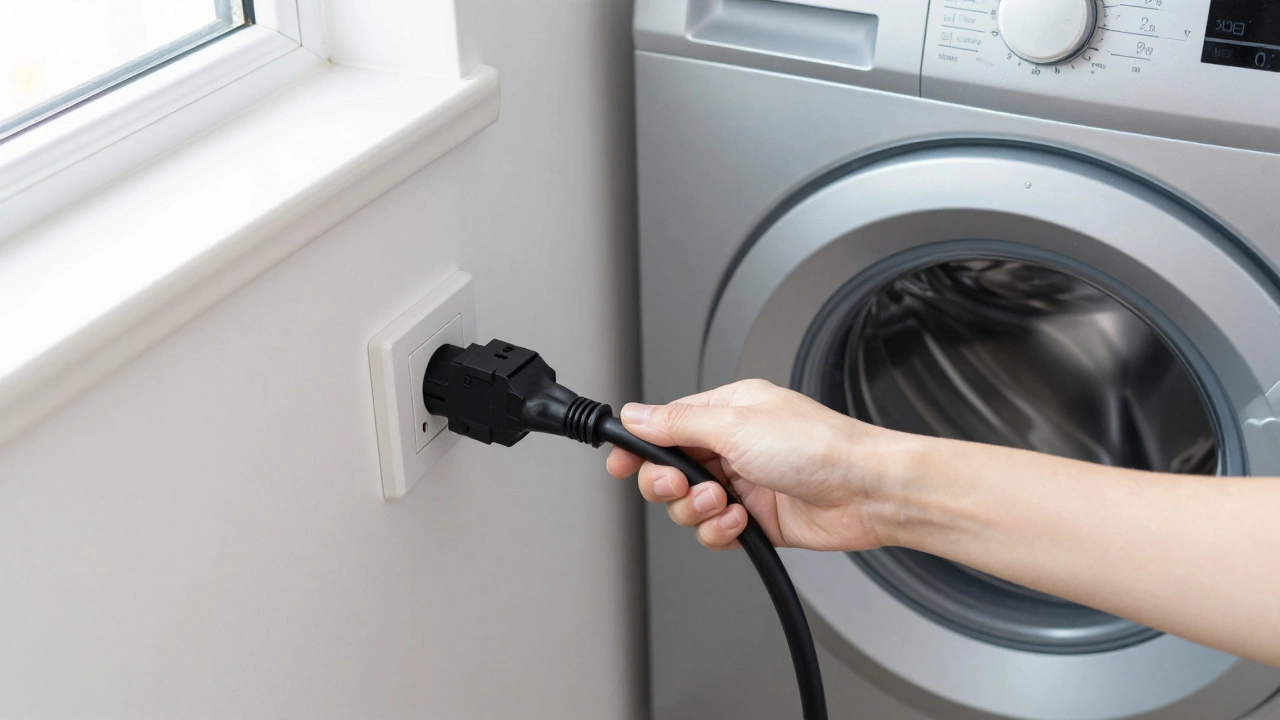
If your machine is completely unresponsive or acting erratic, the "power cycle" is your best friend. This isn't just turning it off and on; it's about draining the residual electricity from the capacitors on the control board. To do this, unplug the machine from the wall outlet entirely. If the plug is tucked behind a heavy unit and you can't reach it, flip the circuit breaker in your electrical panel. Wait at least five minutes. This gap allows the Control Board-the brain of the machine-to completely lose power and reset its internal logic. When you plug it back in, the machine often "forgets" the error that caused it to freeze.
Clearing the Cycle: The Soft Reset
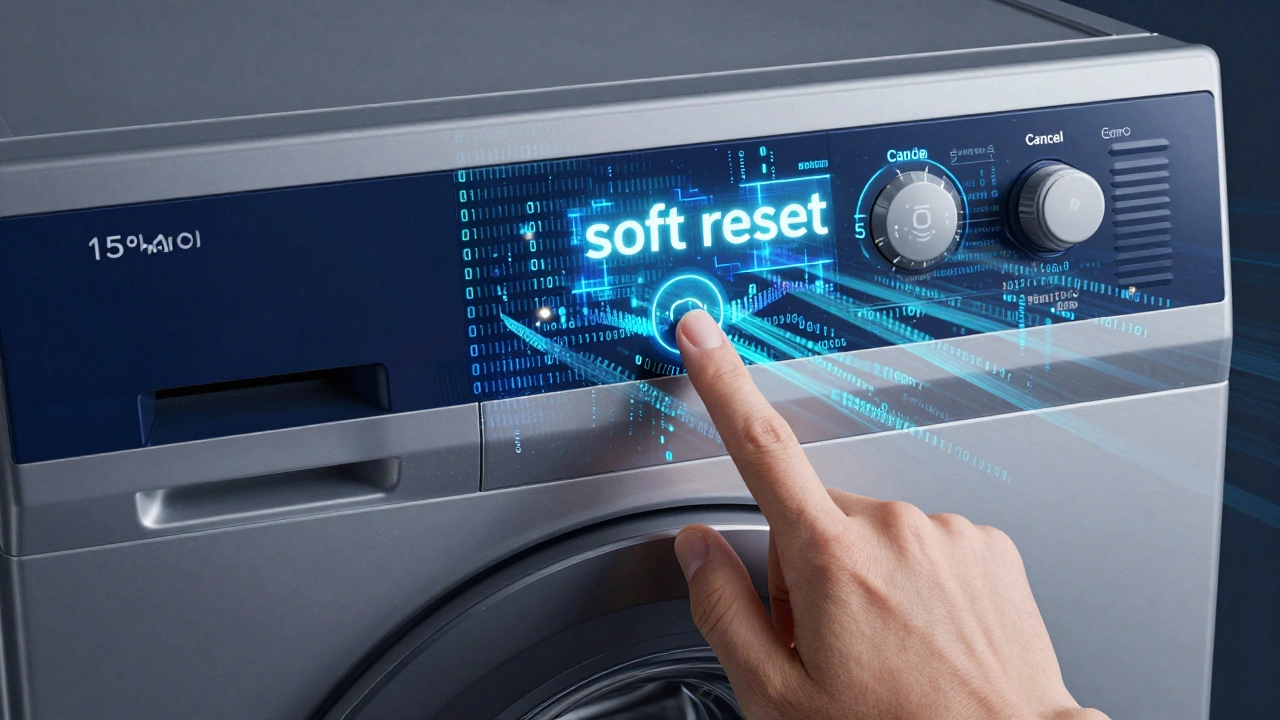
Sometimes the machine isn't broken; it's just stuck in a loop because it thinks the door isn't closed or the water isn't draining. A soft reset doesn't cut power but tells the software to start over. Usually, you can do this by pressing the "Cancel" or "Stop" button for about 3 to 5 seconds. If that doesn't work, try turning the cycle selector knob to "Off" and then back to the desired setting. If you have a digital display, look for a "Drain & Spin" option to clear the tub of water before attempting a full restart. This prevents the machine from trying to wash a tub full of water, which often triggers a safety timeout.
Brand-Specific Reset Secrets
Not every washer follows the same rules. Different manufacturers build their Microprocessor logic differently. For instance, Whirlpool machines often require a specific sequence: turn the knob clockwise one full turn, then counter-clockwise, then clockwise again. This "secret handshake" tells the machine to enter a diagnostic mode. Samsung and LG models frequently use a combination of buttons-like holding "Spin" and "Rinse" simultaneously for three seconds-to clear error codes. If you don't know your specific code, look for the model number on the inside of the door or the back panel and check the manual for "Factory Reset" instructions.
| Brand | Primary Method | Reset Trigger | Best For |
|---|---|---|---|
| Whirlpool | Knob Sequence | Left-Right-Left turn | Calibration errors |
| Samsung | Button Combo | Specific function keys | Digital glitches |
| LG | Power Cycle | Unplug 5-10 mins | Door lock errors |
| Maytag | Hard Reset | Circuit breaker flip | Total system freeze |
When a Reset Isn't Enough
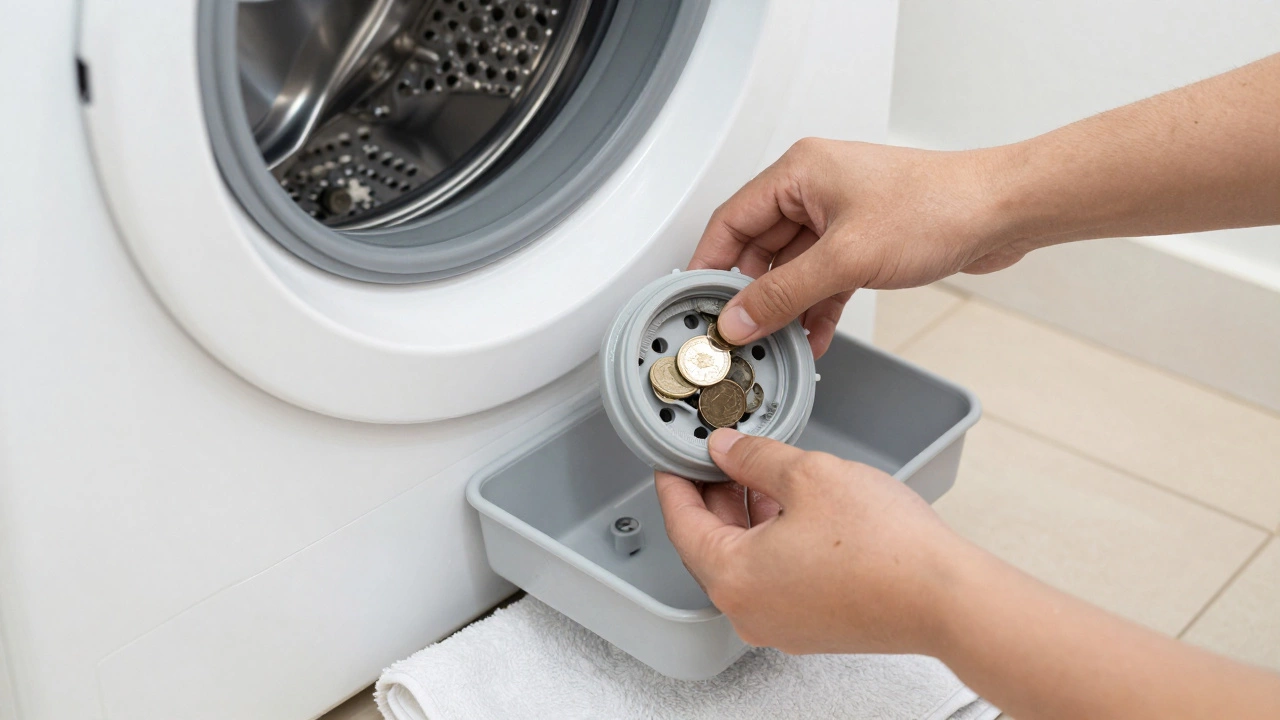
A reset clears the software, but it won't fix a mechanical failure. If you reset the machine and the same error code pops up immediately, you're dealing with a hardware issue. The most common culprit is a clogged Drain Pump. If the machine can't push water out, the pressure sensor tells the computer to stop for safety. Check the small access door at the bottom front of your machine. Place a shallow tray and a towel down, unscrew the filter, and clear out any coins, hairpins, or lint. If the pump is blocked, no amount of button-pressing will get the machine to start again because the physical safety check is still failing.
Dealing with Balance and Vibration
Ever had your machine stop mid-cycle and refuse to spin? This is often the "Unbalanced Load" error. The machine's sensors detect that the weight isn't distributed evenly, which could shake the machine across the room if it continued. To fix this, you don't need a reset-you need to redistribute the laundry. Open the door, move the heavy towels or jeans around, and ensure the machine is level on the floor. If the feet are uneven, the Accelerometer (the sensor that detects tilt) will trigger a stop. Adjust the leveling legs until the machine doesn't rock when you push on the corners.
Preventing Future Glitches
To stop your washer from needing frequent resets, focus on two things: power stability and cleanliness. If you live in an area with frequent power flickers, consider a high-quality surge protector. Electronic control boards are sensitive; a small spike can scramble the memory. Additionally, run a "Clean Washer" cycle with a dedicated cleaner once a month. Built-up grime and detergent scum can interfere with the Pressure Switch and sensors, leading the machine to think there's a problem when there isn't. Keeping the drum clean ensures the sensors provide accurate data to the brain of the machine.
Why does my washing machine keep resetting itself?
If the machine restarts on its own, it's usually a sign of a failing control board or a loose wiring connection. It could also be a "brownout" where the voltage drops just enough to trip the system but not enough to turn it off. Check your power outlet and ensure it's not shared with another high-draw appliance like a microwave.
Can a hard reset erase my saved settings?
In most modern washers, a hard reset (unplugging) only clears the temporary memory (RAM) and the current error queue. Your saved preferences or custom cycles are typically stored in non-volatile memory and will remain intact.
Is it safe to reset a washer while it's full of water?
Yes, it is safe, but you might have a mess to deal with. If the machine is stuck in the "fill" stage, resetting it might not trigger the drain pump immediately. It's always better to manually drain the machine using the emergency drain hose located near the pump filter before performing a full power reset.
What if the reset doesn't clear the error code?
If the code returns instantly, the machine has detected a persistent hardware failure. This could be a broken belt, a failed heating element, or a leaking valve. At this point, you should refer to the specific error code in your manual to identify the part that needs replacing.
Does resetting the machine affect the warranty?
Performing a standard hard reset or using the manufacturer's recommended button sequences does not void your warranty. However, opening the chassis or attempting to rewire the control board yourself will likely void any remaining coverage.
Next Steps and Troubleshooting
If you've tried the hard reset, the soft reset, and cleared the pump filter but the machine still won't start, it's time to narrow down the cause based on your specific symptoms:
- No Power at All: Test the outlet with a lamp. If the lamp works, your washer's internal fuse might have blown.
- Door Won't Unlock: This is often a faulty door latch assembly. Try the hard reset again, but if it persists, the mechanical lock may be jammed.
- Hums but Doesn't Spin: This is usually a seized pump or a snapped drive belt, neither of which can be fixed with a reset.
- Leaking Water: Check the hoses and the door seal. A reset won't stop a leak; you'll need to tighten clamps or replace a worn gasket.